Trading
|
_______________________________________
Order Search
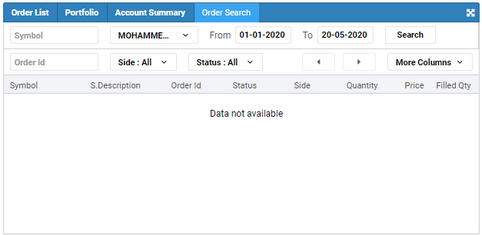
Use this procedure to search for all open, canceled, rejected orders you have placed in the past. By default the orders are displayed for the current date.
PROCEDURE
To search for orders:
1.On the side menu select  and navigate to the Order Search window. and navigate to the Order Search window. 2.Specify the required criteria for the search. •Symbol •Order ID •From and To Dates •Side •Order Status 3.Click Search.
|
|


